
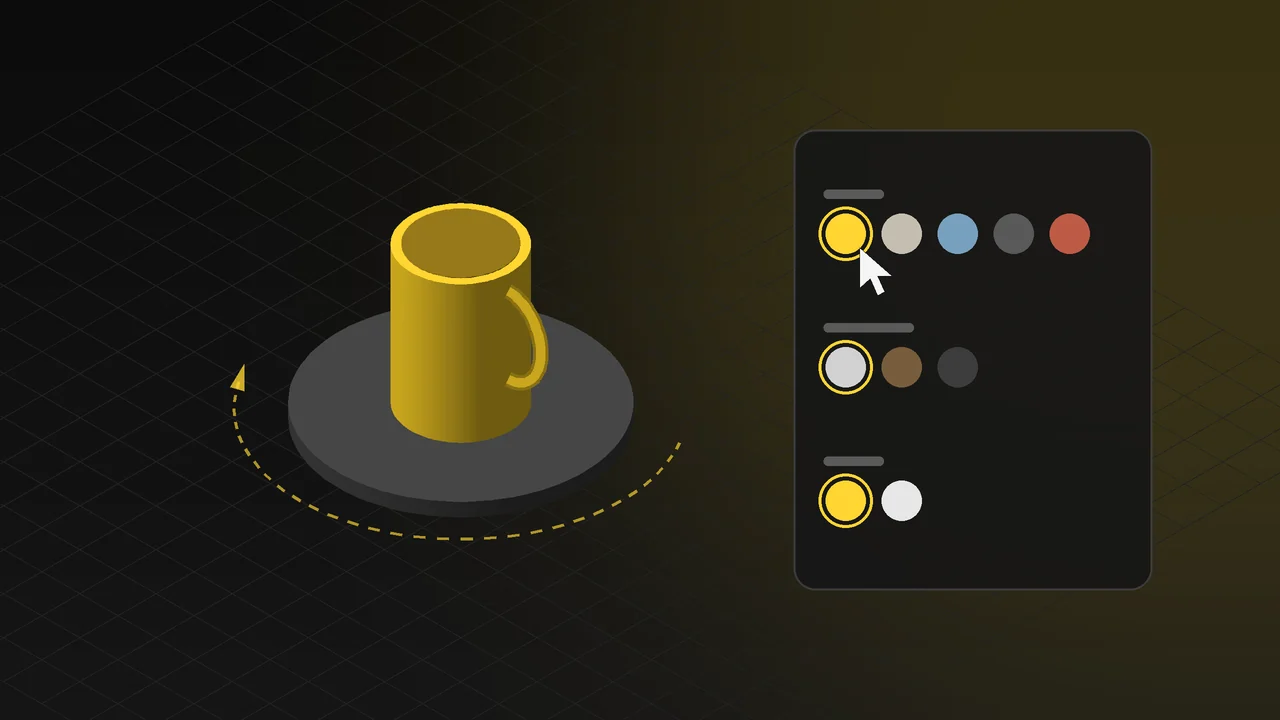
If a product comes in five colours, three materials and two different prints, shooting a separate photo of every combination is both expensive and slow. And the customer often still cannot see the exact combination they are curious about. A 3D product configurator solves this: the product sits on your website in 3D, and the moment a visitor changes an option, they see the result with their own eyes.
In this article we explain what a 3D product configurator is, how it works, which products it suits and how to prepare for a configurator project, with examples you can try in your browser right now.
What is a 3D product configurator?
A 3D product configurator is an interactive application that shows a product's 3D model on a web page and lets the visitor customise it in real time. The visitor rotates and zooms the product with the mouse or a finger, changes colour, material, fabric, print or part options, and sees every change instantly.
The configurator runs directly in the browser (Web3D/WebGL). The visitor does not need to download an app or install a plug-in; it opens with the same link on desktop and on mobile.
Live example: 3D cup configurator
In this configurator, built for glass, ceramic and industrial products, the cup's material, body colour and print can be changed in real time. Countless variations are shown from the same model without a separate photo shoot or render. Try the cup configurator in your browser.
Live example: 3D furniture configurator
In furniture the same product is sold in dozens of fabrics and colours, which makes it one of the sectors where a configurator helps most. In this example the chair's fabric, colour and material can be tried out in the browser. Try the furniture configurator in your browser. For other ways to visualise furniture, see our article on furniture product visualization.
How does a configurator help sales?
- Customers see exactly what they want: Even a colour and material combination with no photo in your catalogue appears on screen. "How does this fabric look in this colour?" is answered without going to a sales rep.
- Fewer photo shoots: There is no need for a shoot for every new colour, print or variant. Adding a new option is as easy as defining a new material in the configurator.
- Clearer orders: Because customers approve the combination they have seen, misunderstandings and returns go down. Their selections can be sent to you as a summary or a quote request.
- Longer engagement with the product: A visitor who rotates, zooms and tries options spends far more time on the page than one who looks at a few photos, and gets to know the product better.
- A tool for dealers and sales teams: The same configurator can be used on a tablet at trade shows, in the showroom or on customer visits.
Which products is it suitable for?
| Sector | What can change in the configurator |
|---|---|
| Furniture | Fabric, leather, colour, leg and arm style, layout of modular pieces |
| Glass, ceramics, packaging | Body colour, material, print and logo placement |
| Machinery and equipment | Optional parts, colour, accessories; together with technical values |
| Doors, windows, building products | Profile, colour, finish, glass and accessory options |
| Promotional products | Customers seeing their own logo on the product |
In short, any product with many variants, or one sold customised for each customer, is a good candidate for a configurator.
What else can Web3D do besides configurators?
The same technology can power not only configurators that change options but also pages that tell the product's story. For example, the perfume page presents the bottle and its notes scene by scene as you scroll, and the 3D metronome is an interactive copy of a mechanical product that actually works in the browser. You can see all the examples in our 3D Web App.
How is a configurator built?
- Defining the options: What the visitor can change (colour, material, parts, print), which combinations are valid and what happens at the end of the selection (quote request, order, sharing) are agreed.
- 3D modelling: The model is prepared from the product's CAD file, technical drawing, or photos and dimensions. It is simplified so it loads fast on the web; for details see our article on 3D product modeling.
- Materials: Every fabric, paint and surface is prepared to look realistic and defined as an option in the configurator.
- Interface and camera: The option panels, the camera angles the product opens with and the transitions are designed.
- Testing and launch: Speed and image quality are tested in desktop and mobile browsers, and the configurator goes live on your own domain or inside your existing site.
Frequently Asked Questions
Does the visitor need to download an app?
No. The configurator runs directly in the web browser and opens with the same link on phones, tablets and computers.
Can it be added to our existing website?
Yes. The configurator can be published as a separate page or embedded in the product pages of your existing site.
Can the configurator's 3D model be used for other work?
Yes. The same model can also produce photorealistic product images for catalogues and e-commerce, and product animations. The model is prepared once and used across different content.
Can new colours or materials be added later?
Yes. Adding a new option does not require remodelling the product; a new material is prepared and defined in the configurator.
What determines the price?
It depends on the product's complexity, the number of options, the image quality required and how the configurator connects to your site. If you describe your project with our brief template, we can prepare a clear quote for you.
Tell us briefly which options you want to offer your product with, and we will work out the right configurator plan together. Take a look at our 3D web design and product configurator service or get in touch.