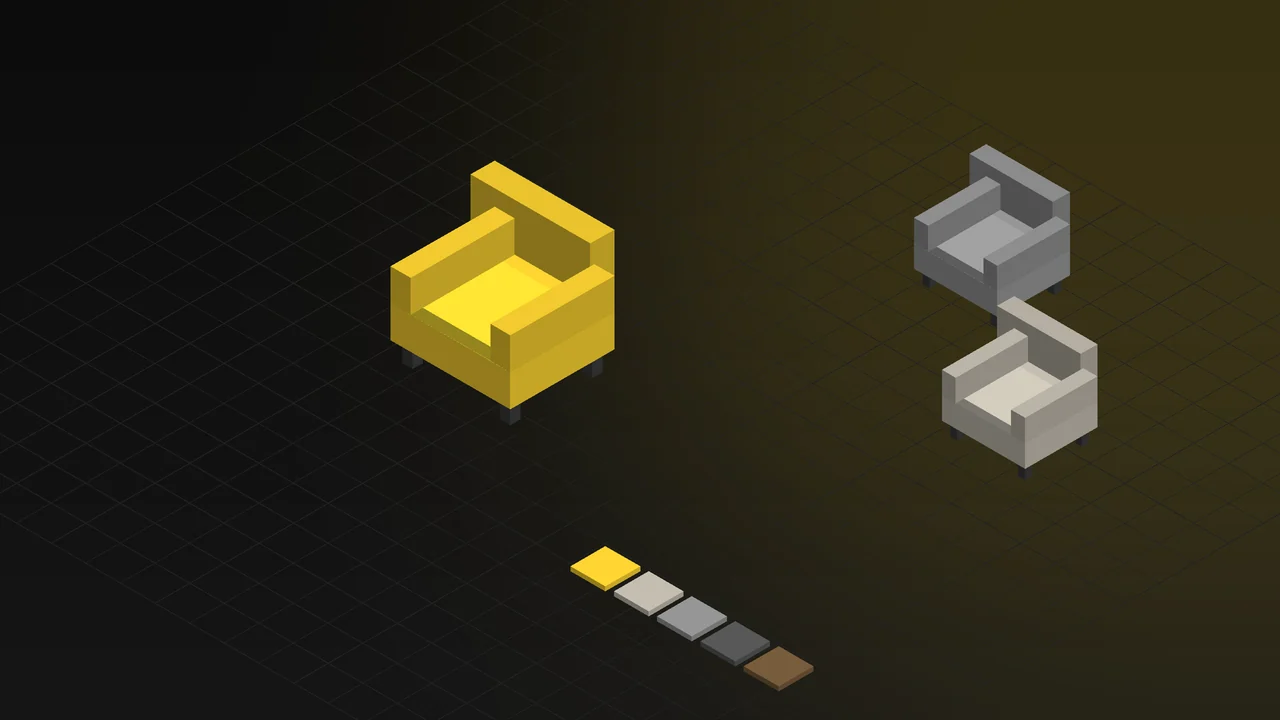
A furniture brand needs far more images than most industries. A single sofa model, combined with different fabrics, colours, leg options and sizes, turns into dozens or even hundreds of combinations. Each of them has to look accurate and consistent in the catalogue, on the e-commerce site, in dealer presentations and on social media.
In this guide we explain what furniture product visualization is, which types of images serve which purpose, how fabrics and materials are made to look real, and what to consider when you move a furniture collection into 3D.
What is furniture product visualization?
Furniture product visualization means preparing 3D models of products such as sofas, chairs, tables, beds and cabinets, lighting them in a virtual studio or setting, and turning them into photo-quality images. Once a model is ready, fabric, colour, wood and metal options can be changed on the same model to produce images for the entire collection.
For a general comparison of photography and 3D rendering, see our article 3D product rendering vs product photography. For furniture, the balance usually tips towards 3D — here is why.
Why 3D stands out for furniture: variants
With photography, every combination requires the product to actually be made in that fabric, shipped to a studio and shot separately. As the collection grows, the work multiplies. With 3D:
- Each product is modelled once.
- Fabrics and materials are built once as a library and used across all models.
- When a new fabric collection arrives, there is no need to produce or shoot the products again; the new material is applied to the models.
- A collection that hasn't been manufactured yet can take its place in the catalogue before a trade show or launch.
Which image is for what?
| Image type | Where it is used |
|---|---|
| White-background product image | E-commerce product pages, marketplaces, price lists and dealer catalogues |
| Lifestyle image | Catalogue covers, website heroes, ads and social media |
| Close-up detail | Showing fabric texture, stitching, wood grain, metal legs and mechanism details |
| Different angles and 360° views | Letting customers see the product from every side on the product page |
| Dimensioned technical image | Showing product dimensions clearly; dealer and architect presentations |
| Room and set scenes | Showing pieces of the same collection together and supporting set sales |
| Animation | Explaining moving features such as sofa beds, bed bases and adjustable mechanisms |
Realism in fabric and materials
Fabric is where quality shows most in furniture visualization. A realistic result needs several things to be right at the same time:
- Texture scale: The weave pattern of the fabric must be at the correct scale for the real size of the product. A pattern at the wrong scale instantly makes the image look artificial.
- Surface behaviour: Velvet, linen, leather and bouclé reflect light differently; each needs its own material setup.
- Stitching and form: Seams, cushion edges, slight creases and the soft shapes created by the padding make the product look real.
- Other materials: The direction of wood grain, the gloss of lacquer and varnish and the reflections on metal legs matter just as much as the fabric.
Using procedural materials on fabric surfaces instead of ready-made texture images significantly improves realism, especially in close-ups. We explain this in detail in our article on procedural materials for furniture 3D visualization.
Consistency across the collection
In catalogues and on e-commerce sites, products appearing with the same lighting, camera height, shadows and background is important for the brand to look professional. With photography, that is hard to maintain across different days and products. In 3D, studio and camera settings set up once are reused for the whole collection; even a product added years later matches the existing catalogue exactly.
Furniture images in e-commerce
- White-background standards: Images can be prepared in one go to meet the size, ratio and background rules of the platforms you sell on.
- A perfect match with the colour selector: For every fabric and colour the customer selects on the product page, the image of that exact combination can be shown — reducing “the product looks different from the picture” complaints.
- Richer product pages: Detail, lifestyle and dimensioned images produced from the same model can answer all of the customer's questions visually on a single product page.
In the printed catalogue: from image to video
Furniture brands still use printed catalogues for dealer visits and trade shows. With ImageWake, developed by our studio, customers can scan a rendered image in the catalogue with their phone camera and instantly watch a 360° product video or a mechanism animation made from the same 3D model. No app download is needed; everything runs in the phone's browser. The printed catalogue becomes as lively a showcase as your e-commerce site.
One step further: a 3D furniture configurator
Instead of producing images one by one, you can also offer a configurator on your website where customers choose the fabric, colour and material themselves and see the product in 3D in real time. The same 3D models are used here too. To see how it works, try our 3D furniture configurator demo in your browser, and see our 3D web and product configurator page for details.
What do you need to move a furniture collection into 3D?
- Product data: Technical drawings, CAD files or dimensions. If there are no files, products can be modelled from photos and samples.
- Fabric and material information: Fabric codes, swatch photos or physical fabric samples; colour and finish information for wood and metal surfaces.
- Option list: Which fabric, colour, leg and accessory options are to be visualized for each product.
- Image list: Which angles and backgrounds, and how many images are needed; style and reference examples for lifestyle images.
- Where they will be used: Catalogue, website, marketplaces, social media and trade shows, and the resolution and ratios each needs.
You don't have to start with the whole collection. Starting with a few best-sellers and building the fabric library makes every following product much faster.
Frequently Asked Questions
Does fabric prepared in 3D look like real fabric?
Yes. Fabrics prepared with the correct texture scale, material setup and lighting are indistinguishable from real fabric, even in close-ups. A sample or good-quality photos of the fabric make this much easier.
What happens when a new fabric is added to the collection?
The new fabric is prepared once as a material and can be applied to all existing models. There is no need to remodel or reshoot the products.
Do we need a separate lifestyle scene for every product?
No. In a living room or bedroom scene that has been prepared once, different products and combinations can be swapped in. This presents the whole collection in the same atmosphere, with a consistent visual language.
Can the same models be used in a configurator on our website?
Yes. The models prepared for images can be optimized for the web and used in interactive 3D configurators that run in the browser.
If you'd like to plan the right visuals for your collection together, tell us briefly about your products and where the images will be used. Learn more about our 3D rendering and product visualization service, or get in touch.