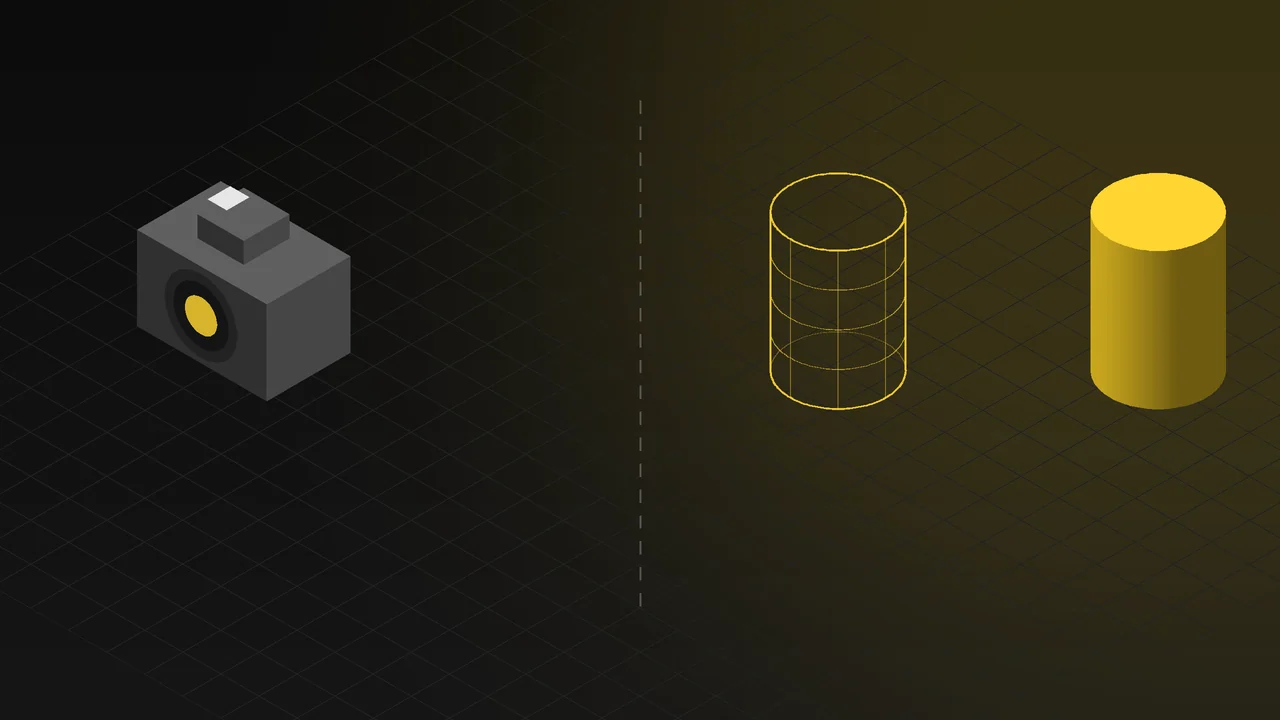
When you prepare product images for a new catalogue, an e-commerce site or an ad campaign, there are two routes: photograph the product in a studio, or build its 3D model and visualise it with 3D rendering. Both deliver professional results; which one makes more sense depends on the product, the number of variants and where the images will be used.
In this article we compare the two methods objectively: when product photography is the better choice, when 3D product rendering is, how to combine them, and the questions to ask before you decide.
The short answer
- If the product is ready, comes in one colour or only a few variants, and the images need to show people, emotion or a real moment, a photo shoot is usually the faster and more natural solution.
- If the product hasn't been manufactured yet, comes in many colour and material variants, is large or hard to move, or its inner structure needs to be shown, 3D rendering is usually more flexible and more efficient in the long run.
What is 3D product rendering?
3D product rendering means building an exact 3D model of the product on the computer, lighting it in a virtual studio and turning it into photo-quality images. Once the model is ready, the camera angle, setting, colour and material can be changed as often as needed. With the right materials, lighting and detail, the images are indistinguishable from photographs; we explain how in our article on photorealistic 3D product visualization.
Comparison: photography vs 3D rendering
| Criterion | Photography | 3D product rendering |
|---|---|---|
| Product availability | Requires the physical product or a sample. | Can be done before production, from CAD files, technical drawings or dimensions. |
| Colour and material variants | Each variant needs the product itself and a separate shoot. | All variants are produced by changing materials on the same model. |
| Changing angle and setting | A new angle or location means a new shoot. | Camera and setting can be changed later too. |
| Consistency across images | Shoots on different days can differ in light and colour. | The whole series is perfectly consistent with the same lighting and camera settings. |
| Large and heavy products | Transport, studio or location arrangements are difficult. | Size and weight are not a constraint. |
| Inner structure, cutaways, exploded views | Impossible or very laborious. | A natural fit. |
| People, emotion, real moments of use | Its strength: natural scenes with real people. | Possible, but strongest in product-focused scenes. |
| First delivery (one product, one image) | Usually fast if the product is ready. | The first image can take longer because modelling comes first. |
| Subsequent images | Every new need means a new shoot. | With the model ready, new angles and variants are produced quickly. |
| Reuse in other work | A photo can only be used as a photo. | The same model is reused in animation, 3D web and configurators. |
When photography is the better choice
3D rendering isn't the best option in every situation. In these cases a photo shoot often makes more sense:
- You have the product and there is only one version: If you need a few images and the product is ready, a good studio shoot can be quicker than modelling.
- People are at the centre of the image: In ads and social media visuals that focus on real people using the product, their expressions and emotions, photography has a natural advantage.
- You need documentary storytelling: If you want to show your factory, your team or a real moment of production, a photograph of that moment is the most convincing.
When 3D product rendering stands out
- The product hasn't been made yet: If you need images for a pre-launch catalogue, a trade show or pre-sales, 3D rendering is the most reliable way to show the product before production.
- There are many variants: For products with dozens of colour and material options — furniture, textiles, packaging or automotive accessories — producing every combination from one model is far more practical than photographing each one. Our article on procedural materials in furniture visualization explains how this works on fabric surfaces.
- The product is large, heavy or on site: For machinery, vehicle parts, industrial equipment and building products, a studio shoot is often impractical.
- The inner structure needs to be shown: Explaining how a product works with cutaways, a transparent body or an exploded view is only possible in 3D.
- Consistency across the catalogue matters: In catalogues and e-commerce sites where hundreds of products must appear with the same lighting, angle and background, 3D rendering makes that consistency easy.
- Images are updated often: For a new colour, new packaging or small design changes, editing the model is enough instead of reshooting.
Using both together
For most companies the best results come from combining the two methods. For example:
- Producing all product variants for the catalogue and e-commerce with 3D rendering, and scenes with people for social media and brand storytelling with photography,
- Placing the product's 3D model inside a real location photograph,
- Completing a photographed product with 3D images only for the cutaway and detail shots that are hard to photograph.
5 questions to ask before you decide
- Is the product physically ready, or still in the design stage?
- How many colours, materials and variants need to be visualised?
- Is the focus on people and real moments of use, or on the product itself?
- Will the images be used once, or again and again in places such as the catalogue, the web, trade shows and animation?
- Will the product be updated, with new colours or models added later?
If your answers to most of these are “not ready yet”, “many variants”, “product-focused”, “in many places” and “it will be updated”, 3D product rendering is most likely the more efficient investment for you.
What do you need for 3D product rendering?
- Technical data: CAD/STEP files, technical drawings or dimensions. If there are no files, the product can also be modelled from photos and samples.
- Material information: Colour codes, surface finish (matt, gloss, satin), material samples or reference photos.
- Usage information: Where the images will be used, the required resolution, background (white or in a setting) and the number of images.
The model isn't only for images; it can also be used for product animations and for interactive 3D configurators on your website where visitors rotate the product themselves.
Frequently Asked Questions
Can you tell a 3D render from a photograph?
Photorealistic renders made with the right modelling, materials and lighting are indistinguishable from photographs. Many of the product images you see in brands' catalogues and websites today are in fact 3D renders.
Which one is more economical?
For a few images of a single product that is already available, photography is usually more economical. As the number of variants grows, as images are reused in different places and as the product is updated, 3D rendering becomes more advantageous — because the model is built once and later images are produced from it.
Can white-background renders be used for e-commerce?
Yes. White-background product images can be prepared in the sizes and ratios required by the platforms you sell on. Lifestyle images can also be produced from the same model to enrich the product page.
My product is still a prototype — can it be rendered?
Yes. With a model built from technical drawings or design files, the product can be visualised before it is manufactured. The model is updated as the design changes, so your images are ready when the product launches.
If you're not sure which method suits your product, tell us briefly about it and where the images will be used. Learn more about our 3D rendering and product visualization service, or get in touch.