
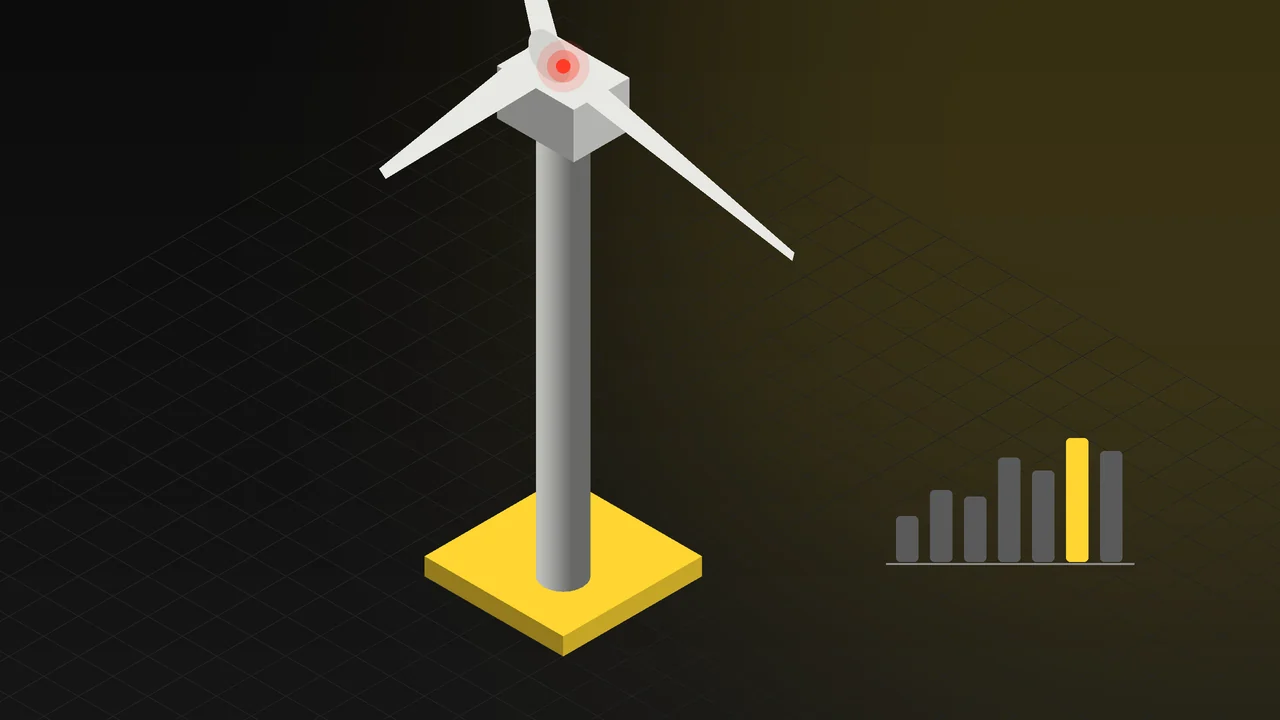
In the energy sector the product is in the field: a turbine turning on a hilltop, switchgear inside a substation, a panel array on a roof. To show it to a customer you either take them to the site or settle for a few drone shots. What is inside the nacelle, how the blade root is attached and how the system behaves under load are not in those shots.
In this article we look at how energy equipment is explained in 3D, using a wind turbine as the example: showing a large product at real scale and in operation, nacelle, tower and blade details, interaction with states such as wind speed and warning lights, connecting to live data, trade show presentations and explaining the product to technical teams. We also explain, without overselling it, where the term "digital twin" fits into this work.
Bringing the product from the field to the screen: scale and operation
A turbine's tower height and blade length are the product's claim in themselves. In a photo that scale is lost; what remains is a white shape against the sky. In 3D the turbine is modelled at real dimensions and placed beside references that give scale: a service vehicle, a human figure, a maintenance platform. The viewer understands how long the blade is just by looking.
Showing it in operation matters just as much. The rotor turning, the nacelle yawing into the wind and the blade pitch changing are all shown in the animation. A still image explains the product's shape; a moving model explains what it does.
Nacelle, tower and blade: where the detail lives
For a technical audience, the outside of the turbine is not enough. In an animation or an interactive model the following can be shown:
- Inside the nacelle: Main shaft, gearbox or direct-drive generator, brake system and cooling, in cutaway and exploded views.
- Hub and blade root: How the blade attaches to the hub, the pitch mechanism and the bolt pattern.
- Tower: Tower sections, flange connections, internal ladder and lift, cable routing.
- Blade: How the aerodynamic profile changes from root to tip, the lightning protection path, leading edge protection.
- Foundation and grid connection: Onshore or offshore foundation, transformer and the line to the grid.
Once these details are modelled, they are used in the promotional animation, in service training and in the interactive presentation alike. For the general methods of technical storytelling, see our article on industrial animation.
Trade shows and technical presentations
At an energy trade show the product cannot be brought to the stand; what stops people walking past is the screen. An animation where the turbine emerges from the clouds and starts turning, and the camera moves inside the nacelle, draws attention from a distance and is understood without sound. The same animation is used in investor presentations, tender documents and on the website.
At the meeting table, an interactive model is more useful. When a customer with an engineer's eye asks "Can I see that connection up close?", instead of rewinding a video you turn the model and move in on that point. For the trade show and presentation side, see our 3D trade show and presentation animation page.
Digital twin: putting the term in its place
"Digital twin" is a widely used and often inflated term. In its real sense, a digital twin is a software system continuously fed with sensor data from the product in the field, calculating its state and behaviour. At one end of this system is data collection and analysis; at the other is a screen for a person to look at.
Our work is that screen end: the visualization layer. The 3D model of the turbine takes values from your existing monitoring system, such as rotor speed, wind speed, power output or fault status, and shows them on the model. The rotor turns at its real speed, the warning light reflects the real state, a faulty unit lights up red. The page becomes a dashboard at the same time. The data collection, calculation and prediction part is your system or your software partner's; we connect it to the model. Making this distinction clear from the start sets the right expectations for the project.
Live example: run the turbine in your browser
The interactive experience on our 3D Web App homepage includes a wind turbine. The visitor sees the turbine at real scale and examines it in operation; they move in on nacelle, tower and blade details. Increasing the wind speeds up the rotor, and the warning light can be switched on. When a brand colour is selected, it is applied to the product. In this setup, values such as rotor speed can be connected to live data. Open the energy example in your browser; no app download is needed and it works on phones.
The same setup is built for your own product: a turbine, an inverter, a transformer or a storage unit. For the web side, see our 3D web design page.
Which content for which team?
| Audience | Suitable content |
|---|---|
| Trade show visitor | A short promotional animation that works without sound and draws attention from a distance |
| Investors and decision makers | A presentation animation that explains the system and its capacity in a few minutes |
| Technical teams and engineers | An interactive model with cutaway and exploded views; moving in on any part |
| Service and maintenance | A training animation showing the assembly sequence and maintenance steps |
| Operations | A 3D dashboard connected to live data |
All of it is produced from the same 3D model. For the animation side, see our 3D product animation page.
Frequently Asked Questions
Can the turbine be modelled if the CAD data cannot be shared?
Yes. The outer shape and main components can be modelled from technical drawings, measurements and photos. Internal details that must stay confidential are shown simplified or as representations.
What is needed to connect it to live data?
A data connection (for example an API) from which we can read values from your existing monitoring system. The 3D model takes those values and displays them; data collection and calculation stay in your system.
Can the same model be used for both the trade show video and the web experience?
Yes. The model is built once; a high-detail version for animation and a lightened version for the web are produced from the same source. The visual language stays the same in both.
Tell us briefly about your product and who you want to explain it to, and we will work out the right content plan together.