
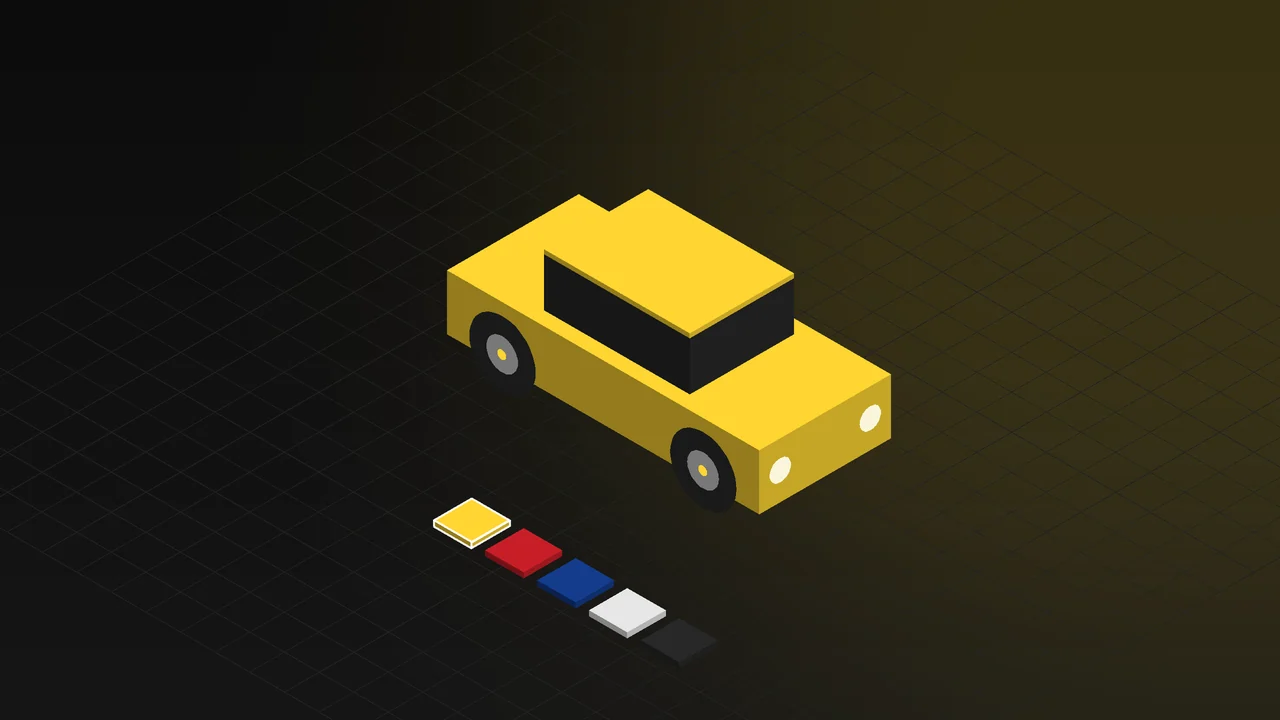
If a dealer website offers a car in five colours, three wheel designs and two interior trims, that is thirty combinations. Photographing all of them means getting thirty cars into a studio. What usually happens instead: a few colours are shot and the rest are shown as small colour swatches. The customer cannot see the combination they are curious about, so they either visit the dealer or give up.
In this article we explain what a 3D car configurator is, what the visitor can change, how a dealer site shows every trim level without a shoot day, why the same approach works for spare part and accessory manufacturers, and what it takes to run smoothly in a browser.
What is a 3D car configurator?
A 3D car configurator shows the 3D model of a vehicle on a web page and lets the visitor turn it with their own hand and change its options. It runs directly in the browser; no app download is needed. The depth of the paint, the detail of the wheels and the texture of the upholstery are built with realistic materials, and under studio lighting the car looks the way it does in a showroom.
We covered the general idea of a configurator and examples from other industries in our article on 3D product configurators. What is different in automotive is that the product is large, made of many parts and has many options; that makes both the opportunity and the technical challenge bigger.
What can the visitor change?
- Exterior colour: Metallic, pearl and matte paints; each reflects light differently and is applied to the whole car the moment it is selected.
- Wheels: Different wheel designs and sizes, changing together with the tyre and brake disc.
- Interior: Fabric or leather upholstery, colour and stitching; the camera moves inside to show the seats and console up close.
- Doors and lights: Doors open, headlights switch on. The visitor looks inside the car and sees it at night.
- Trim level: Parts tied to the trim, such as bumpers, grille, sunroof and spoiler, appear or disappear with the level.
Every choice shows on screen immediately. A summary of the choices can be sent to the dealer as a quote request or a test drive booking; when the customer arrives, the dealer already knows which car they want.
Every trim level on the dealer site, without a shoot day
Car photography is expensive: a studio is rented, cars are transported and washed, and each colour takes a separate day. When the trims change for the new model year, the shoot is repeated. In 3D the car is modelled once. Colours, wheels and trim parts are defined on the model; thirty combinations or three hundred are shown from the same model.
The same model covers the rest of the site's needs. White-background catalogue images, campaign images and price list images are rendered for every colour and trim. See our 3D rendering and product visualization page for that side. When the model year changes, only the changed part is updated.
For spare part and accessory manufacturers
A configurator is not only for car brands. A wheel manufacturer shows its product on different car models and colours; the customer sees the wheel fitted to a car in a colour close to their own. An accessory manufacturer lets the customer turn and inspect a roof box, side step or front bar on the vehicle. A lighting manufacturer shows its product switched on.
For these manufacturers the car itself is a backdrop; the real product is the part. The camera moves in on the part and shows its material and mounting points. The same setup is used on a tablet for dealer training and at trade show stands.
Running smoothly in the browser: performance
A car model is hundreds of times heavier than a cup model. The work that makes a configurator open on everyone's phone is invisible but decisive:
- Model simplification: Parts that are never visible from the outside are removed and the geometry is prepared for the web. The smoothness of the paint and the sharp edges of the wheels are kept.
- Textures and file size: Textures are compressed and the model is downloaded in parts. The visitor gets the first view without waiting; details follow.
- Quality by device: On a powerful computer, reflections and soft shadows are on; on a phone, the same car with the same options is shown at a lighter quality.
- Testing: Before launch, load time and smoothness are measured on different phones and browsers.
Live example: turn the car in your browser
The interactive experience on our 3D Web App homepage includes an automotive example. The visitor turns the car, zooms in and picks its colour; they get close to the wheel detail and the interior texture. They can open the doors, switch on the headlights and change the interior. When a brand colour is chosen, both the interface and the car switch to it. Open the automotive example in your browser; it works on phones too.
The car in this example is a concept model. For your own vehicle or part, the same setup is built with your model and your options. You can read how we work on our 3D web design and product configurator page.
Together with a vehicle promotion animation
The model prepared for the configurator is also used in the vehicle promotion animation. The launch video, short turntable clips for social media and an animation explaining how an accessory is fitted all come from the same model. The model is built once; there is no separate work for configurator, images and video. For the animation side, see our 3D product animation page.
Frequently Asked Questions
What if we do not have a 3D model of the vehicle?
CAD data from the manufacturer speeds things up, but it is not required. A vehicle can also be modelled from photos and measurements. For spare parts and accessories, the part's own CAD file is usually enough.
Does the configurator run smoothly on phones?
Yes. The model is lightened separately for phones and the quality adapts to the device. The same options are offered on the phone; the difference is in some details of image quality.
Can it be added to our existing dealer website?
Yes. The configurator can be published as a separate page or embedded in the vehicle page of your existing site. The selection summary can be connected to the quote or booking form on your site.
Tell us briefly about your vehicle or part and what you want the visitor to be able to choose, and we will work out the right configurator plan together.