
Getting a packaging design approved usually goes like this: the design is presented on screen, the client says "I can't decide without holding it", a sample is printed, it goes out by courier, one colour changes in the meeting, a new sample is printed. Every round takes days and costs money. After three rounds, how it will look on the shelf is still a guess.
In this article we explain what packaging 3D visualization and 3D mockups are, how print, paper and cap materials are made to look real, how patterns and brand colours are applied instantly, how shelf and e-commerce images are produced, and how an interactive presentation shortens the approval process.
What does it mean to take a packaging mockup into 3D?
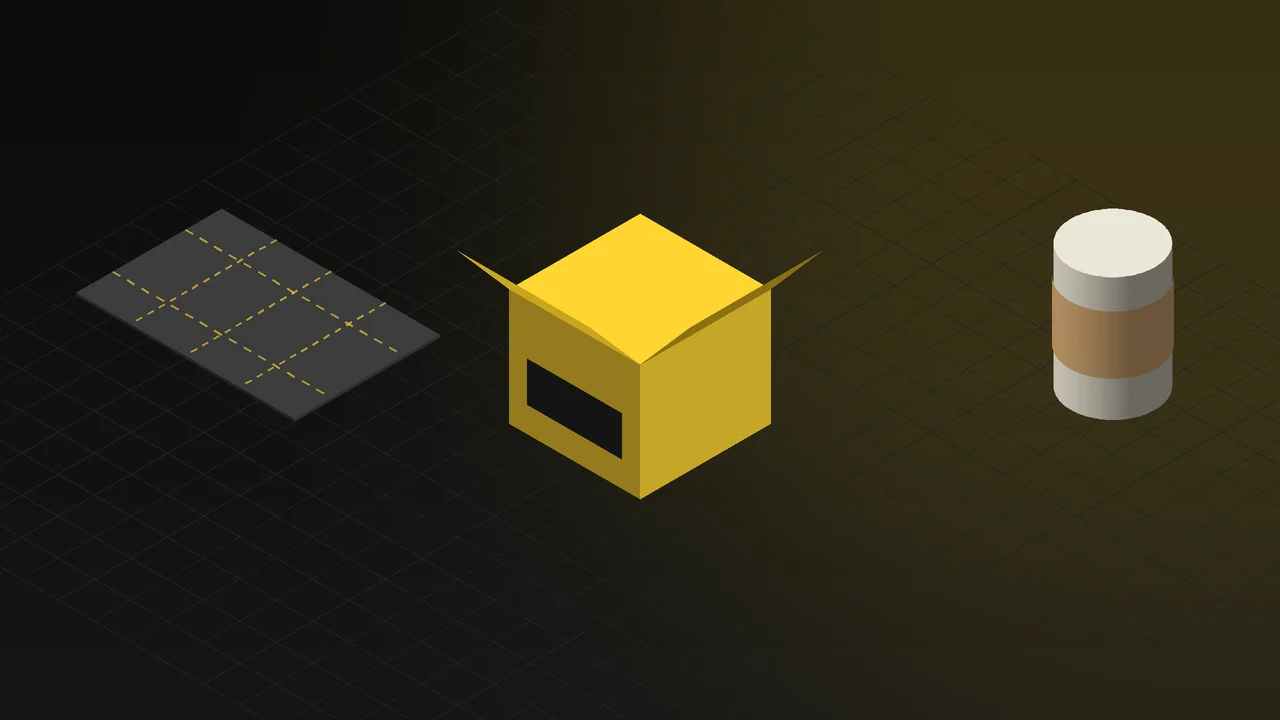
A classic mockup places the print file onto a ready-made photo template. The template is fixed: angle, light and box shape do not change, and if your box is not the same as the one in the template, the result stays approximate. In a 3D mockup, the packaging itself is modelled: the box folded from its dieline, the bottle at real dimensions, the sleeve, the cap and the label. The print file is applied to this model. Then it is rendered from any angle, in any light.
The difference shows in the details: the fold allowance on the box edge, how the cap sits on the box, how the sleeve wraps around the bottle are all the same as the real product. The client knows that what they see is what will be printed.
Print, paper and caps: realistic materials
In packaging, the feel of the material matters as much as the design itself. In 3D these are set up one by one:
- Paper and board: The fibres of kraft paper, the smoothness of coated board, the difference between matte and gloss lamination. How the print sits on the paper shows in close-up; white printed on kraft does not shine the way it does on coated stock.
- Print finishes: Hot foil, embossing, spot varnish and soft-touch coating. These disappear in a flat image and appear in 3D as the light moves.
- Caps and accessories: Plastic caps, metal screw caps, cork, ribbon or label string, each with its own material.
- Glass and plastic bodies: For bottles and jars, the transparency of glass, the slight translucency of plastic and the colour of the product inside.
Once the material library is built, it is used across all of the brand's packaging. For a new box, only the shape and the print change.
Applying patterns and brand colours instantly
What takes the most time in packaging meetings is alternatives: "How does green look instead of navy?", "Should the pattern be bigger?", "Logo on the lid or the front?" With a photo template, a new file is prepared for each alternative. On a 3D model, pattern and colour change like a setting; the alternatives are rendered side by side from the same angle in the same light.
This cuts down the sample rounds. The client sees three alternatives next to each other on screen, picks one, and the remaining corrections are made on screen too. The physical sample is printed once, at the end, to verify the final version. The approval process goes from weeks to days.
Shelf, e-commerce and campaign images
Images for different purposes come from the same model:
| Image type | What it is used for |
|---|---|
| White-background packaging image | E-commerce and marketplace product pages; the whole range from the same angle and at the same scale |
| Shelf (planogram) image | How the product looks next to competitors in a real shelf layout; retail presentations |
| Close-up detail | Images showing foil, embossing, paper texture and cap details |
| Range and family image | A catalogue image with the brand's different sizes and variants together |
| Lifestyle image | Campaign images in a setting such as a kitchen counter, bathroom shelf or gift table |
| Opening animation | The box opening, the sleeve coming off, the product being revealed; a short video for social media |
The shelf image is especially useful in retail: whether the product stands out among competitors on the shelf can be seen before a single box is printed. For image production, see our 3D rendering and product visualization page.
Live example: an interactive packaging presentation
The interactive experience on our 3D Web App homepage includes a packaging example. The visitor turns the package as if holding it; the print, paper and cap appear with their real materials. The fibres of the kraft paper and the way the print sits on it stay sharp in close-up. When a brand colour is selected, the pattern and colour are applied to the package instantly; the pattern, sleeve and cap can be changed and the alternatives compared on the same screen. Open the packaging example in your browser; no app download is needed.
The same presentation works in a client meeting. You present from the screen without sending samples; the client turns the package and tries the alternatives themselves. After the sale, the same model shows the product in 360 degrees on the e-commerce page. For the configurator idea in more detail, see our 3D product configurator article, and for how we work, our 3D web design page.
What do you need to get started?
- Dieline and dimensions: The dieline file for boxes; a technical drawing or the real product for bottles and jars.
- Print files: The vector design, colour codes, and separate layers for finishes such as foil and varnish.
- Material information: Paper type and weight, lamination type, cap material.
- Alternatives: Which colour, pattern and size options are to be shown.
- Where it will be used: Client presentation, e-commerce, shelf study or social media; ratios and resolution are set accordingly.
Frequently Asked Questions
What is the difference between a 3D mockup and a ready-made mockup template?
A ready-made template is a fixed photo; shape, angle and light cannot change, and the box is not your box. In a 3D mockup, the packaging itself is modelled at real dimensions; any angle, light and material can be changed, and alternatives are compared in the same scene.
Will the printed colour match the 3D image?
A 3D image is made for screens, while print depends on paper and ink; a printed colour proof is still needed for an exact match. The 3D image lets you make design and shape decisions without printing samples; the final colour check is done with a single print proof.
Can packaging be visualized before the design is finished?
Yes. The shape is modelled, and the print file is updated on the model as the design progresses. Every stage of the design process is seen on the real packaging.
Tell us briefly about your packaging and where the images will be used, and we will work out the right plan together.